Three months in one view
Meter readings, consumption for the reporting month and results from the two preceding months. Percentages show increases or decreases. Missing history is clearly identified.

Explore manager and tenant access, monthly reports, alerts and supply-point reconciliation.
INFORMATION THAT REACHES ITS RECIPIENT
At 00:01 Polish local time on the first day of the month, the system starts sending reports for the completed month. Tenants receive a clear PDF, also available in their portal.
Meter readings, consumption for the reporting month and results from the two preceding months. Percentages show increases or decreases. Missing history is clearly identified.
Once hours and thresholds are configured, the system detects sustained consumption outside working hours. An email alert helps investigate equipment left running. It is a prompt to check, not a fault diagnosis.
Refrigerators, servers and other continuous loads require a normal-consumption allowance. Managers set the permitted power, exceedance duration and interval between messages.
Sending requires an active schedule and a valid tenant address. Delivery also depends on the email service. Incomplete readings are identified in the PDF rather than used to create a misleading statement. Alerts require SNUT data and an approved unit profile.
DEVICES → SNUT → PODLICZNIK
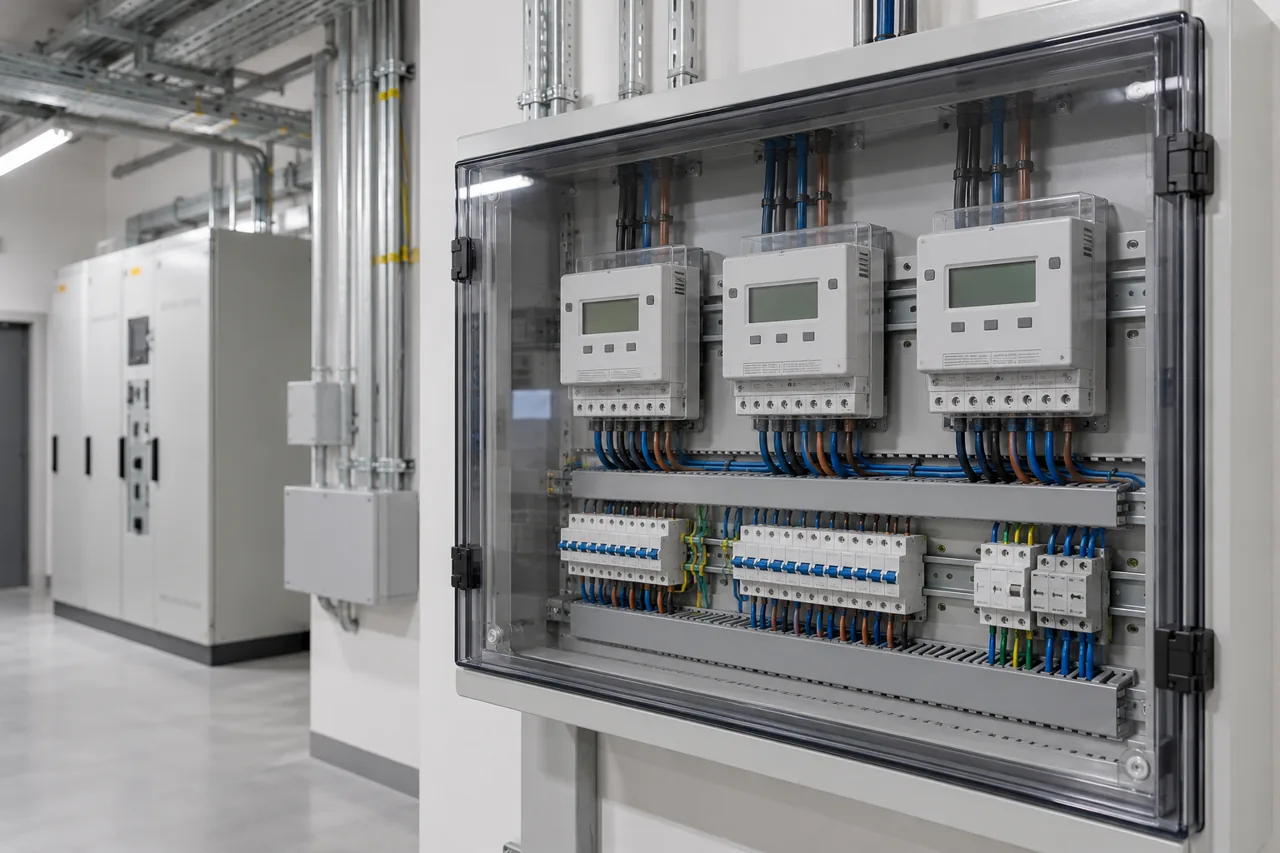
Meters send readings to SNUT.pl. Podlicznik retrieves the assigned readings for display and analysis. There is no need to copy the same values into another system.
Each SNUT point is linked to a specific organisation and unit. Existing devices belonging to other customers are not automatically included in your portal.
After assignment is configured, synchronisation checks for data every five minutes. Actual measurement frequency depends on the equipment and connectivity. Outdated readings are flagged.
A history of cumulative readings shows increases in energy use. Missing transmission does not become zero consumption. Meter resets require review, and billing needs confirmed period boundaries.
SEPARATE ACCOUNTS. THE RIGHT SCOPE.
The portal supports independent organisations. One company’s data is not shared with other customers. Permissions are checked on the server whenever data is requested.
Units and meters assigned to your organisation, readings, rates, statements and report settings. Manage multiple properties from one account.
Read-only access to assigned meters, readings and statements for the tenancy period. No other units’ data, manager settings or previous tenant history.
DATPOL provisions access after confirming the organisation, email address, meters and tenancy period. Manager accounts use Cloudflare Access. Tenants receive a code at their assigned email address or verified phone number. Changing or revoking access requires an assignment update.
FROM KILOWATT-HOURS TO AN AMOUNT
One statement. A clear basis for billing.
Enter the agreed net rate per kWh. The system calculates the difference between actual readings and the energy amount. Download a CSV statement, print to PDF or enable monthly email delivery.
Reports go to the manager and the assigned tenant address. Enable sending after checking addresses, rates and data completeness.
Calculate an example unit ↑Illustrative data. Excludes additional charges and taxes. This report supports billing; it is not a tax invoice. Shared costs, tariffs and accounting integration are agreed separately.
OPTIONAL MANAGER MODULE
The energy price may not cover all invoice costs. The portal helps compare measurements and prepare a transparent allocation of agreed additional charges.
Enter the supply-point identifier (PPE), period and imported energy from the operator portal or invoice. Select the submeters it supplies. The portal compares kWh and shows the difference against a review threshold.
Enter net charges separately, such as distribution or service fees, if they are not already included in the rate. Allocate them by consumption or equally across selected points. Rounding is distributed so that the total matches.
Measurement differences are not automatically charged to tenants. Save reconciliation and charge allocation in a separate CSV statement. Managers review it; invoices are not automatically issued.
Energa-Operator: you can use data from the Mój Licznik account. Currently, totals can be entered manually or imported using the Podlicznik CSV format. Automatic account integration requires separate implementation. Operator data access
HAND OVER THE READINGS. RECLAIM YOUR TIME.
Send the number of submeters, location and current billing process.
We will agree a practical scope, from installation to ongoing support.